


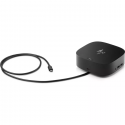

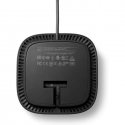
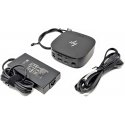
The product's shade and actual color may differ from what is shown in the picture, as the images are for illustrative purposes. The product description is general and may not include all the product's features.
HP USB-C Docking Station G5 Essential 100W (Refurbished)
4063094 5TW10ET#ABB(REF)
5711802711319
Shipping 3-5 b.d.
 Pay 5x28.86€
HP USB-C Dock G5 (5TW10ET#ABB) is a universal docking station for modern laptops. A single USB-C cable connects your notebook to two external displays, peripherals, and wired networking while delivering power. Its compact 5×5-inch footprint saves desk space, and enterprise management features simplify IT deployment.
Key Features
Broad compatibility: works with HP and non-HP laptops with USB-C/Thunderbolt and DisplayPort Alt Mode support.
One-cable connectivity: access accessories, displays, network, and charging over a single USB-C connection.
IT management: PXE Boot, LAN/WLAN switching, Wake-on-LAN, MAC Address Pass-Through (some features on supported HP notebooks only).
Compact design: about 122 × 122 mm (5×5").
Ports & Interfaces
Front: 1× USB-C (data + up to 15 W power), integrated USB-C host cable (~1 m).
Sides: 2× USB-A (charging), 1× combo audio jack (3.5 mm).
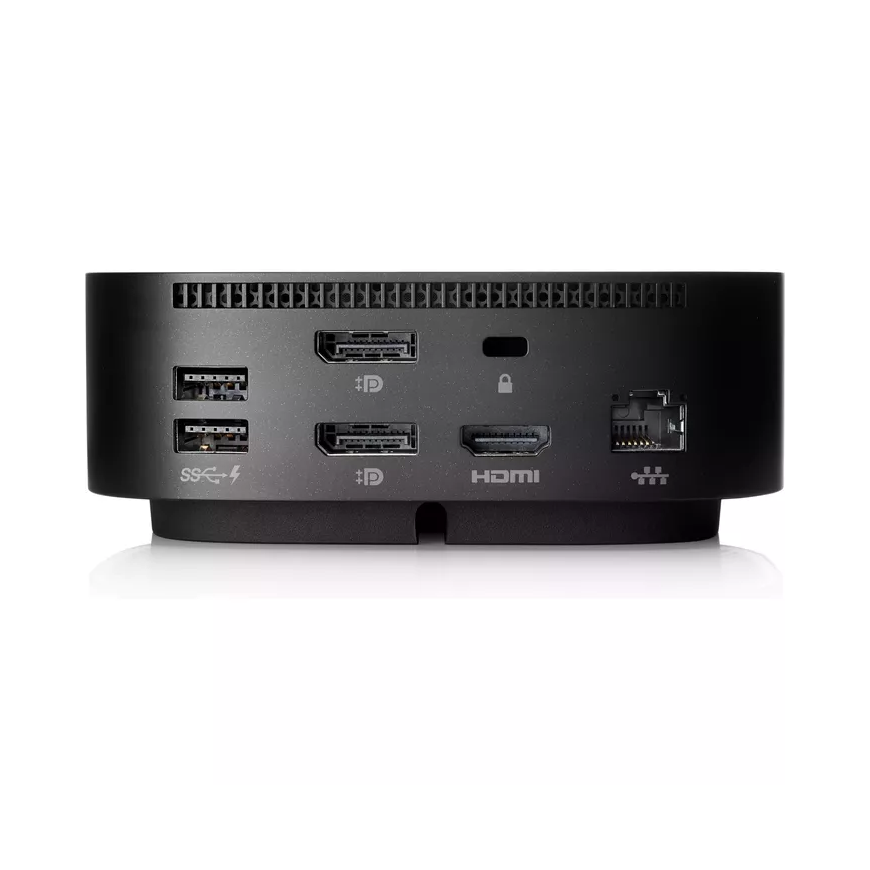
Rear: 2× USB-A (charging), 2× DisplayPort™, 1× HDMI 2.0, 1× RJ-45 (Gigabit), Kensington security slot.
Display Connectivity
Up to 3 total displays (including the laptop screen): two external monitors + host display.
Power
Power to host (USB-C PD): up to 100 W.
PD profiles: 5V/9V/10V/12V/15V/20V — up to 5 A (max).
Compatibility
OS: Windows 10/7, macOS (certain management/eTag features may require Windows 10).
Host requirements: USB-C port with DisplayPort Alt Mode and USB Power Delivery.
IT Management & Security
Wake-on-LAN (warm/cold dock, S4/S5), MAC Address Pass-Through (S0/S3/S4/S5), remote dock firmware updates, and eTag asset tracking. (Some features available only on supported HP notebooks.)
Physical
Dimensions (W × D × H): 122 × 122 × 45 mm
Weight: ~0.68 kg
Controls: power button/LED (to power on/wake supported hosts).
Box Contents
HP USB-C Dock G5
AC power adapter (model/wattage varies by region)
Power cord, documentation
Note: The actual number/resolution of supported displays and PD profiles depends on your laptop’s specifications (GPU/CPU/OS, DP Alt Mode and PD support).