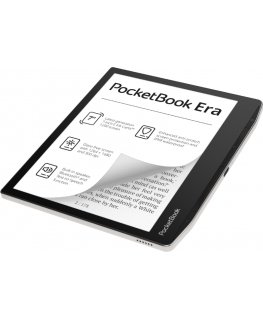
The product's shade and actual color may differ from what is shown in the picture, as the images are for illustrative purposes. The product description is general and may not include all the product's features.
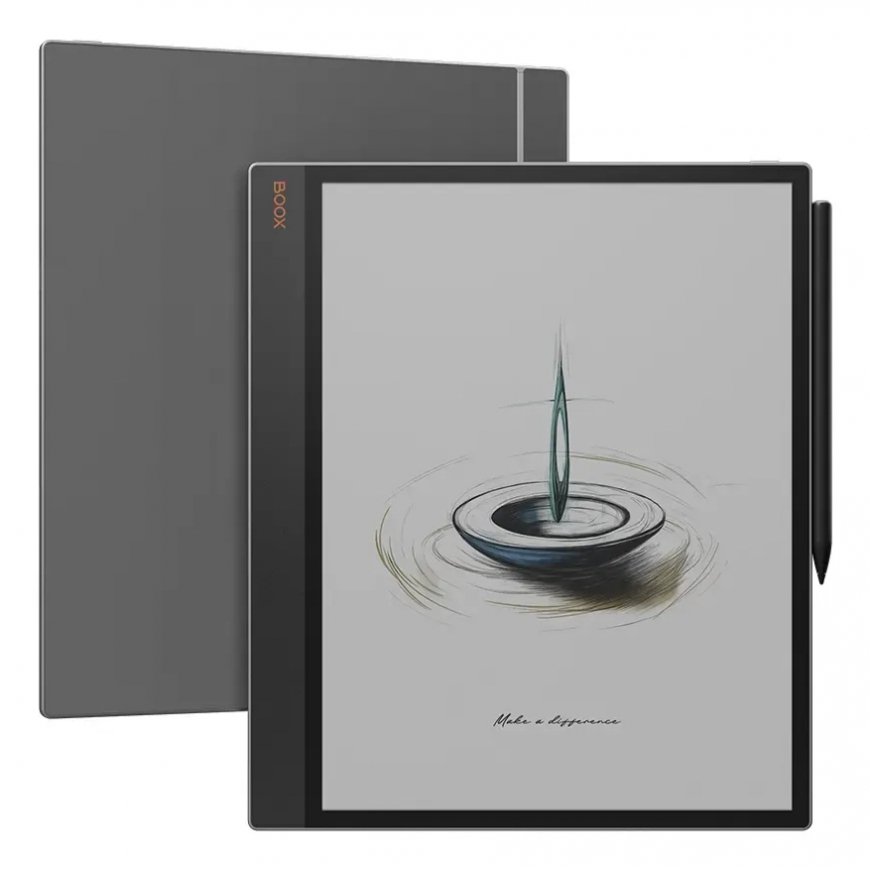
Onyx BOOX Tab X C e-book reader
726,09 €
Monthly payment from 19.60 €
3877404 OPC1332R
6949710310105
2026-04-14
 Pay 5x145.22€
You are interested in this product?
The 13.3'' color ePaper tablet for enhanced productivity and intentional living.
Everything you've ever dreamed of.
Your gateway to efficient, paperless workspace.
A tool as sharp as your ideas.
The Tab X C combines digital convenience and advanced tools in an ultra-slim 5.3 mm design. Its sleek, professional aesthetic seamlessly adapts to any work environment.
Personalized. App Freedom.
It's a color ePaper tablet.
At its core, it is a productivity hub that provides solid performance for everyday tasks, reduces eyestrain, and minimizes distractions.
Only what you need.
With access to the Google Play Store and 128GB of storage, you can load upon the apps that matter. Customize your workflow to make it uniquely yours.
Build an intentional workspace.
Enjoy the beneficial aspects of technology without being interrupted by ads and endless scrolling feeds.
Experience intuitive workflow.
With split-screen mode, you can easily view project plans while keeping an eye on progress updates, compare data sets side-by-side for thorough analysis, or review documents while jotting down notes.This multitasking capability promotes smooth workflow management, saving time and boosting efficiency.
How to Connect & Charge the InkSpire Stylus to the Tab X C?
1. Locate the designated charging spot on the side of the tablet.
2. Position the center of the InkSpire stylus over this designated spot.
3. This area on the side of your tablet is also for charging it. A notification showing the battery level will pop up at the top of your screen.
Display | |
| Display diagonal | 33.8 cm (13.3") |
30 other products in the same category: