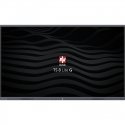
The product's shade and actual color may differ from what is shown in the picture, as the images are for illustrative purposes. The product description is general and may not include all the product's features.
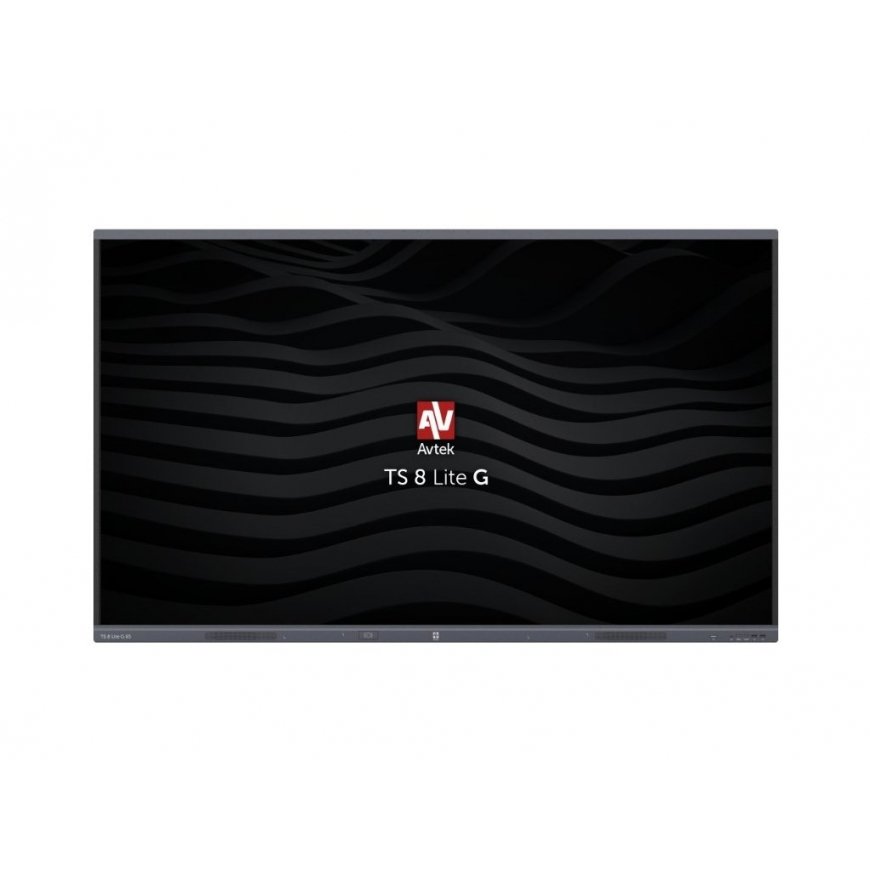
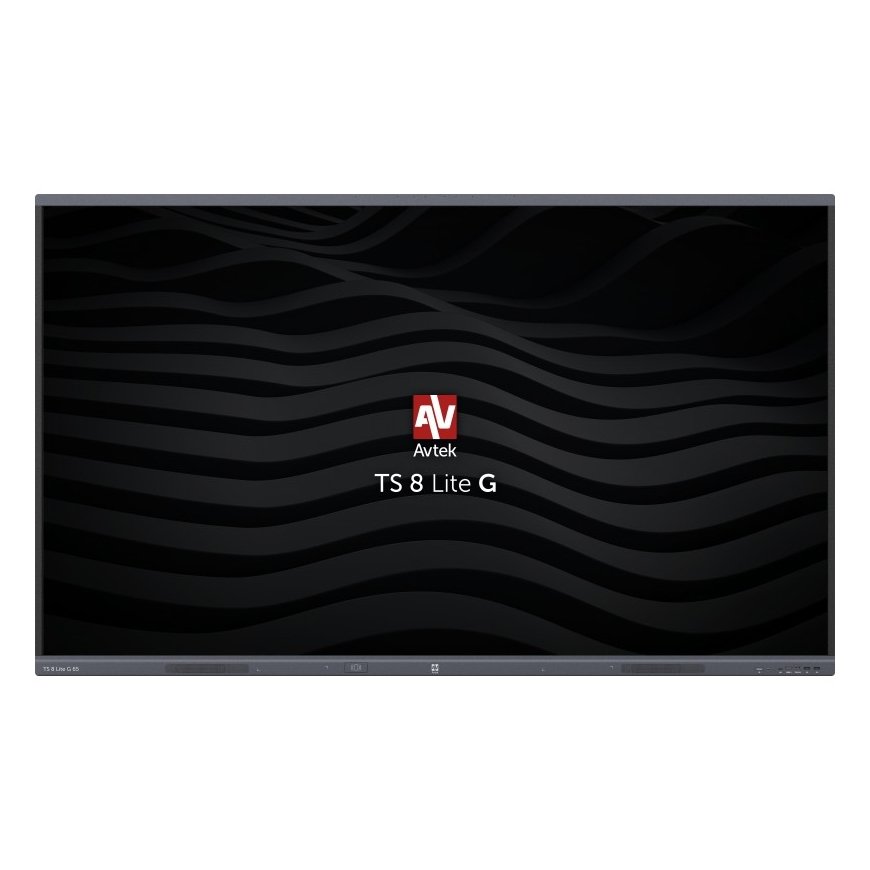
AVTEK TOUCHSCREEN 8 LITE G 65
3566553 1TV354
5907731319768
2026-04-14
 Pay 5x261.80€
“Avtek Touchscreen 8 Lite 65 G” interactive monitor. Capture attention, inspire precisely, and deliver presentations at a completely innovative level with the “Avtek TS 8 Lite G”. The “Android 14.0” version offers fast components and a top-tier operating system, making monitor control much smoother and allowing for the installation of increasingly complex applications. The ability to write in two colors simultaneously – deliver a colorful presentation and capture the attention of students or colleagues using the included dual-sided markers. A multitude of available ports allows the monitor to adapt even further to any environment and connect to more devices. The integrated “WiFi” / “Bluetooth” module allows for convenient and quick connections to available networks and instantly activates “Bluetooth” for file transfer or wireless connection to devices such as speakers or headphones. Precise touch control – “Zero Bonding” technology allows the monitor to be used in a more natural way. The minimal space between the screen and protective glass allows electronic ink to appear directly under the pen, thus reducing parallax. This enhances the writing experience, making the most commonly used interactive monitor features – note-taking, writing, and drawing – more enjoyable and intuitive. The integrated wireless video transfer application allows simultaneous connections to eight computers or mobile devices and displays up to four images. Wireless video, audio, and touch transmission makes collaboration even more convenient and eliminates the need to connect each computer directly to the monitor. Wireless software updates ensure that the monitor always receives the latest features and applications as soon as they are released. Users can easily install updates themselves as they become available, ensuring that they do not miss future changes. TS 8 monitors are ready for 4K/UHD resolution. An advanced panel with a resolution of 3840 x 2160 and a refresh rate of 60 Hz is responsible for video display. Thanks to unique shared USB ports on the front of the monitor, when connecting a USB flash drive, both the “Android” and the integrated OPS computer can connect to it without needing to switch ports. The annotation tool allows commenting on any image or using the monitor as an interactive whiteboard. This tool also allows the use of a timer, stopwatch, spotlight, and voting system. The voting tool, accessible from a convenient toolbar in any source, allows you to ask any question, collect responses, and quickly summarize them. This is true whether you are displaying a presentation, an “Android” browser, or an external source such as a laptop. The monitor locking feature is a solution designed for school environments and is useful in crowded places. The USB disk lock allows you to lock the monitor and unlock it only by inserting a key (USB disk) with the corresponding unlocking file. By using the monitor locking application, you can protect it similarly to a phone with a code. Both solutions protect the device and its data from unauthorized use. “Avtek TouchScreen” monitors come with interactive “Note” software for “Windows”, which allows for lesson preparation and business presentation creation. “Note” supports the same file format as the “Android” whiteboard application, so you can start editing the same file on the monitor and then finish it in the “Windows Note” application. In addition to “Note”, the monitor includes two additional applications: “Connect” and “Capture”. The first application allows communication between a mobile device and a computer, such as bidirectional image transfer and presentation control. This allows for remote control of the monitor from the computer easily and intuitively. “Capture” is a useful tool for recording and editing presentations or lectures. It allows recording the “Windows” desktop and an image from a connected camera (or both simultaneously). “Capture” also offers quick material editing, which can be saved as a single video file, sent to the cloud, or published on websites like “YouTube”. Interactive monitors are ideal for scenarios with various requirements, so OPS computers come in different versions. The energy-efficient “i3” is ideal for education and basic applications. For more complex applications, the “i5” version can be purchased, while the highly efficient “Intel i7” is for the most professional applications. “Avtek” interactive monitors are designed to operate around the clock. They ensure continuous operation all day long, featuring exceptional durability and reliability. NOTE: “AVTEK TS 8 Lite G” MONITORS ARE NOT DESIGNED FOR HORIZONTAL OPERATION (INTERACTIVE TABLE MODE).